



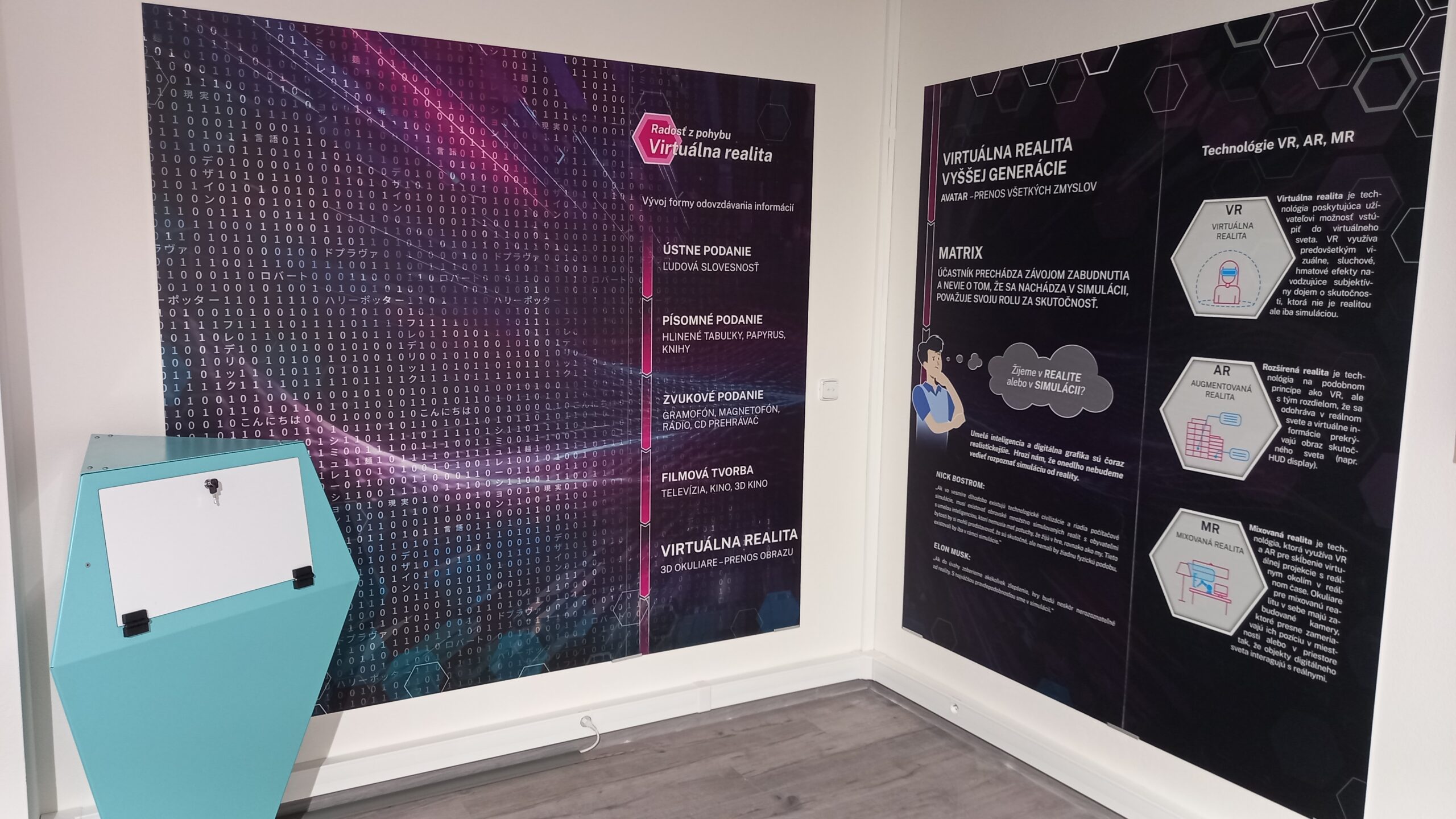
Operating Instructions
- The device powers on automatically, along with other elements of knowledge and entertainment in the MOTIO Centre.
- From kiosk (1), take one pair of hand controllers (R = right, L = left) and the Oculus headset with head straps.
- If not already running, turn on the TV screen using the remote control.
- Put on the Oculus headset and press the small button on its right side to start the system.
- A toolbar will appear in your field of vision – use the hand controller to click on the virtual TIME icon.
- Click on REDRAW BOUNDARIES to set the floor height and trace a boundary line around yourself (use the front button on the controller to confirm).
- In the menu, click on CUBISM — it will begin loading.
- If a grey screen appears, press the recessed button on the controller.
- In the game menu, select CUBISM – it’s the third icon marked ○ ○ Ꙩ – then continue via Smart TV.
- The signal will appear on the TV after a few seconds; the game menu is blue – continue.
- The game features a virtual 3D Tetris-like puzzle (blocks).
- Open/close the “jaws” using the front button on the hand controller(s). Rotate and flip blocks by moving your hand while holding the virtual jaws.
- To turn off, hold the right button on the Oculus headset.
If charging is needed, place the components into the kiosk compartment and connect them via the provided connector.
Interactivity
If there’s one place where modern technology is absolutely essential, it’s here. With the Oculus headset on and controllers in hand, visitors effortlessly enter a world of extraordinary experiences, sensations, and perceptions – where the boundaries of the impossible are pushed much further. After calibrating the floor level and defining the virtual space boundaries (a standard safety feature), the visitor begins interacting with the selected theme, which may include a game. The system monitors their safety to ensure they remain within the protected zone.
The image and sound can be shared with others via an external monitor (TV format) or even through a smartphone – it’s just a matter of pairing.
Educational Significance
We’ve all experienced the effects of a kind of primal virtual reality – typically when the rational brain is resting, and information flows through synapses, eventually finding its place for future use. This happens during certain phases of sleep, beyond conscious control and often without recall upon waking.
Thanks to advanced technologies, we can now move, respond to stimuli, and trigger actions not only in worlds of imagination but also in captured reality. This happens intentionally, with topic selection and experiences that (at least visually) resemble real environments.
Virtual reality – as a digitally modelled environment – serves the leisure industry well and is gradually finding its way into education. A simple demonstration of its use and an extraordinary experience is offered by this exhibit, aptly named Virtual Reality.
