


Operating Instructions
- The device connects to the power grid automatically, along with other elements of knowledge and entertainment in the MOTIO Centre.
- To activate the projection, press Power in the top left corner of the remote control.
- The entire game is launched and controlled by touching the active part of the projected image on the wall with a foam ball.
- Follow the projected instructions and throw the ball(s) from a reasonable distance – the system primarily detects motion, not just direct contact with the surface.
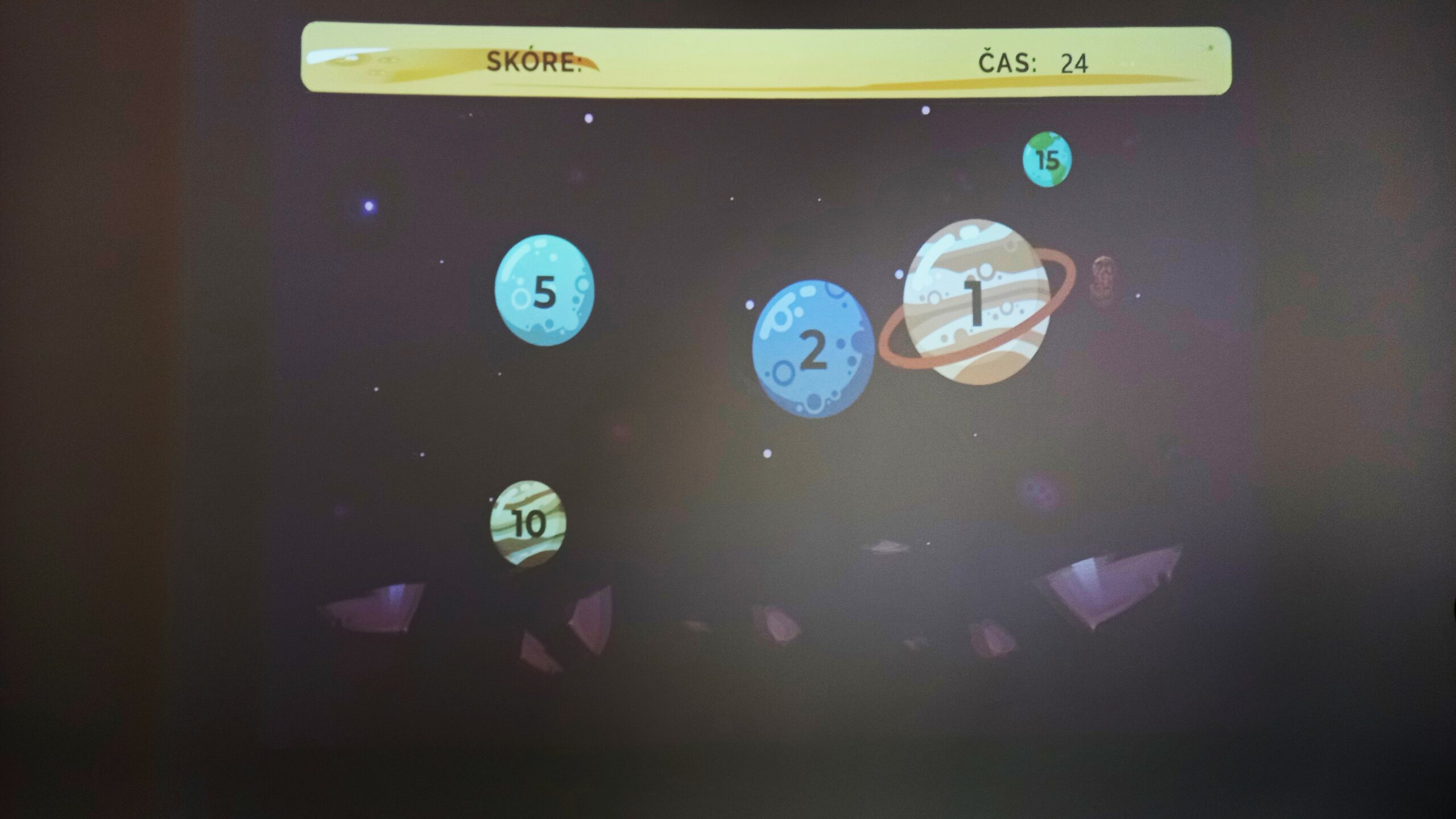
- After selecting the difficulty level and starting the game, aim to hit objects with assigned point values (smaller size = more points).
Interactivity
This is a fully contact-based game with a selection of educational themes – quizzes or animated games. The program menu is controlled via tactile interaction with the wall. Contact is made by throwing foam balls at the projection surface. The game can be played solo or with multiple participants. It requires coordination in catching and throwing, accuracy in hitting targets, and, optionally, knowledge in the quiz mode.
Educational Significance
The use of communication technologies and playful educational apps often evokes a sense of comfort, time spent relaxing or resting. We live in an era with countless channels of information of varying quality. Unfortunately, compared to the recent past, active sports and physical movement have significantly declined. It doesn’t have to be just mandatory physical education classes – movement can be encouraged in other ways.
Combining education with physical play can engage and delight young people full of energy and curiosity. Long-term experience shows that this fusion of learning and movement is highly attractive.
